- ✓ File organization system with folder structures and naming conventions
- ✓ Brand standards guide (logo, colors, fonts, imagery specs)
- ✓ Client approval workflow and version control standards
- ✓ 4 done-for-you DAM client email templates
- ✓ Deliverable specs for common asset formats (PNG, SVG, PDF, video)
- ✓ Client intake questionnaire for brand asset audit
- ✓ Offboarding & asset handoff procedure
Digital Asset Managers face a credibility problem: clients often don't understand what a DAM does until they see the chaos they've been living with. By the time you prove your value, you've already lost the first impression. A professional onboarding kit changes that. It shows you have a system, a structure, and a process — before the first file is organized.
This kit was built for freelance and agency Digital Asset Managers who manage brand files for clients. Every section is written for the DAM context: folder structures, naming conventions, version control, brand standards, and client approval workflows. You're not adapting a generic business template — you're using a system built for your exact work.
Why DAM Onboarding Is Different From Other Freelance Niches
Most freelance niches onboard clients around the work itself. DAM onboarding is different — you're onboarding around the system that manages the work. Clients need to understand the folder structure, the naming conventions, the version numbering, and the approval workflow before they can hand over their brand assets. If you skip this step, you'll spend the first month untangling chaos that could have been avoided.
The kit includes a naming convention template covering files, folders, and version numbering. Clients who follow the convention always know which file is current — no more "which version is this?"
What's Inside the Digital Asset Manager Onboarding Kit
The kit is 20 pages and covers the full DAM lifecycle — from initial asset audit to offboarding. Key sections include a folder structure template with recommended hierarchy for marketing, creative, and product teams; a brand standards guide template covering logo variants, color values, typography, and image specs; a client approval workflow for asset submissions; and a version control standard with file naming examples.
Four email templates cover: new client asset intake request, folder structure introduction, approval submission, and offboarding/handoff confirmation. Each is written in a clear, professional tone.
Frequently Asked Questions
Customize in Canva — No Design Skills Needed
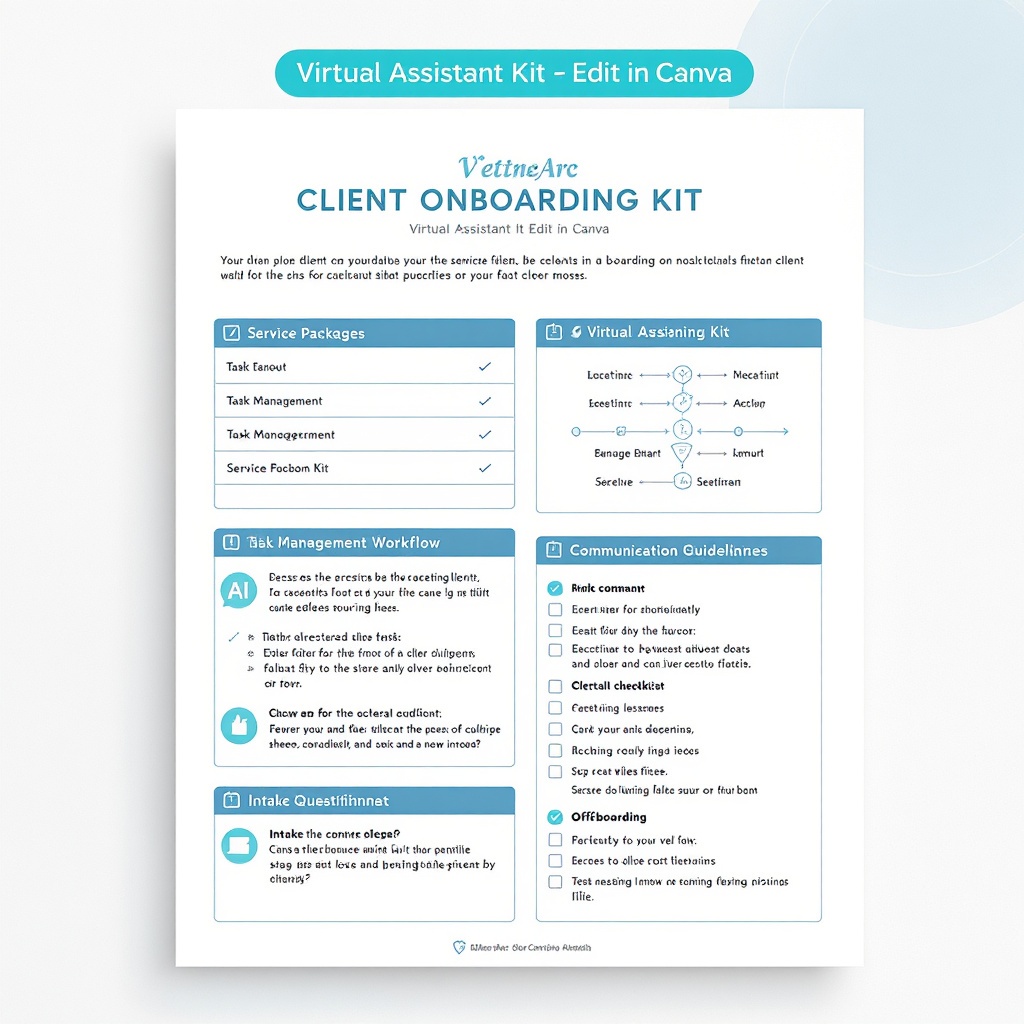
After purchase, upload the PDF directly to Canva and edit it like any other design. Change colors, swap fonts, and update copy to match your brand — all without touching code or hiring a designer.
- 1Buy the kit and download the PDF
- 2Go to canva.com and click Create Design → Upload PDF
- 3Your kit opens as a fully editable Canva design
- 4Customize colors, fonts, and copy to match your brand
- 5Download and send to your clients
Get the Digital Asset Manager Kit
A 20-page Digital Asset Manager onboarding kit with file organization systems, naming conventions, brand standards guide, client approval workflow, 4 email templates, version control standards, and deliverable specs. For freelance and agency DAMs who want to show up like a systems expert from day one.